Where Skills Live: Personal, Project, and Plugin Skills
Put a skill in the right place so the right sessions can see it.
~6 min read
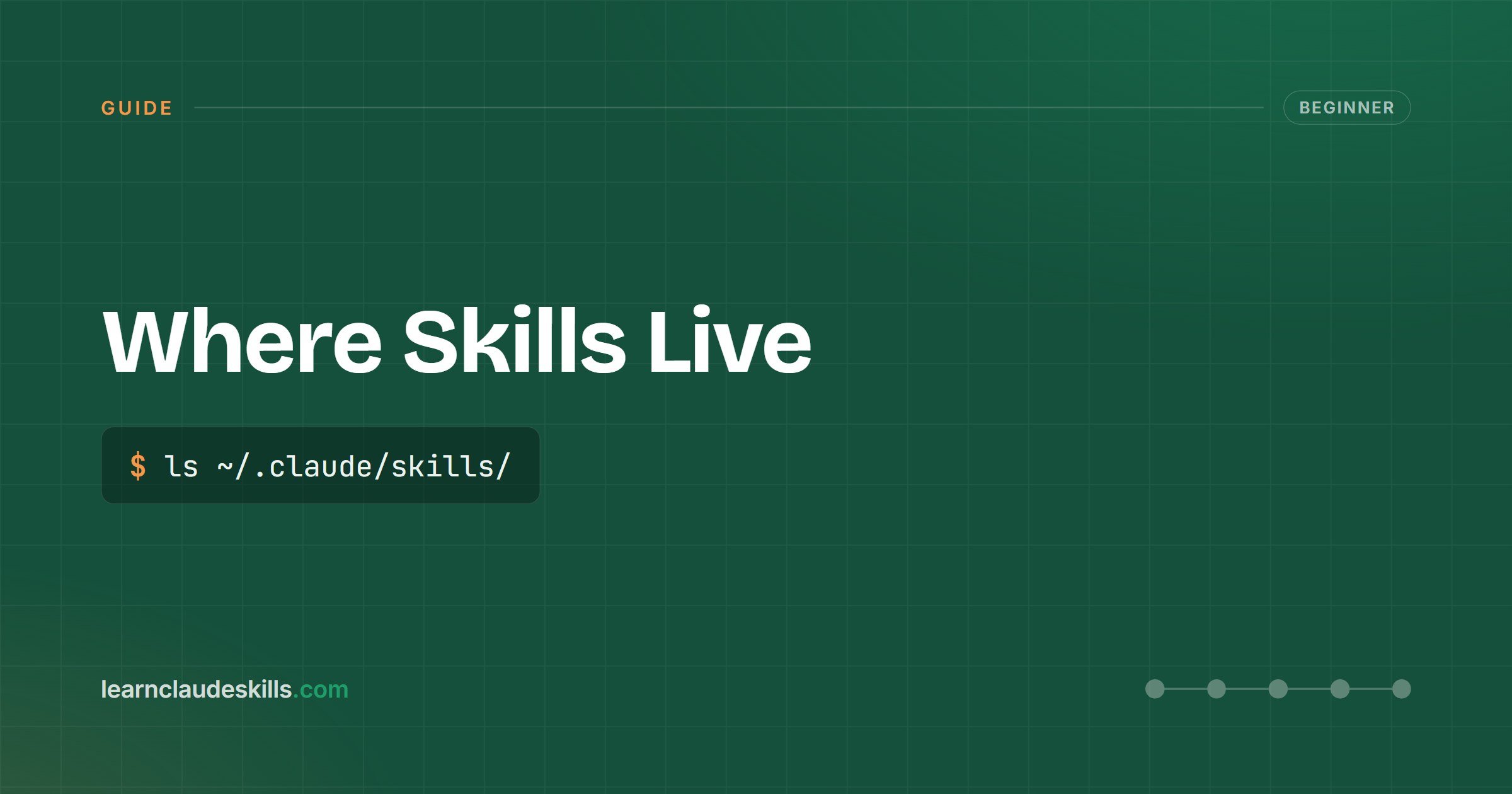
A skill only fires in sessions that can see it, and visibility is decided by where the skill folder lives. There are three homes, and the choice is a scoping decision, not a formality.
The three locations
- Personal: your user-level skills directory (in Claude Code: ~/.claude/skills/). Available in every project you open on that machine. Right for skills about how YOU work: your commit style, your writing voice, your review checklist.
- Project: a skills directory inside the repository (in Claude Code: .claude/skills/ at the project root). Checked into version control, so every teammate and every session in that repo gets it. Right for skills about how THIS PROJECT works: its deploy steps, its conventions, its gotchas.
- Plugin: skills that arrive bundled inside an installed plugin. You do not manage their files directly; installing, updating, or removing the plugin manages them for you. Right for adopting a maintained set someone else publishes.
How to decide
Ask one question: who should get this behavior? If the answer is "me, everywhere," it is personal. If it is "anyone working in this repo," it is project: committing the skill is how it reaches your team. If it is "whatever the maintainer ships," install the plugin and let it carry the skills.
# personal: follows you across projects
~/.claude/skills/release-line/SKILL.md

# project: follows the repo, reaches the whole team
<repo>/.claude/skills/deploy-checklist/SKILL.mdOne more practical difference: project skills are reviewable in pull requests like any other file. If a skill encodes team policy, the project directory also gives you the team process for changing it.
Get new guides in your inbox
One task, one guide, done fast. Practical Claude Code skills, zero noise.